Play Impossible Hill Climb on Mobile
Touch controls, camera habits, and session tips for climbing on phone or tablet.
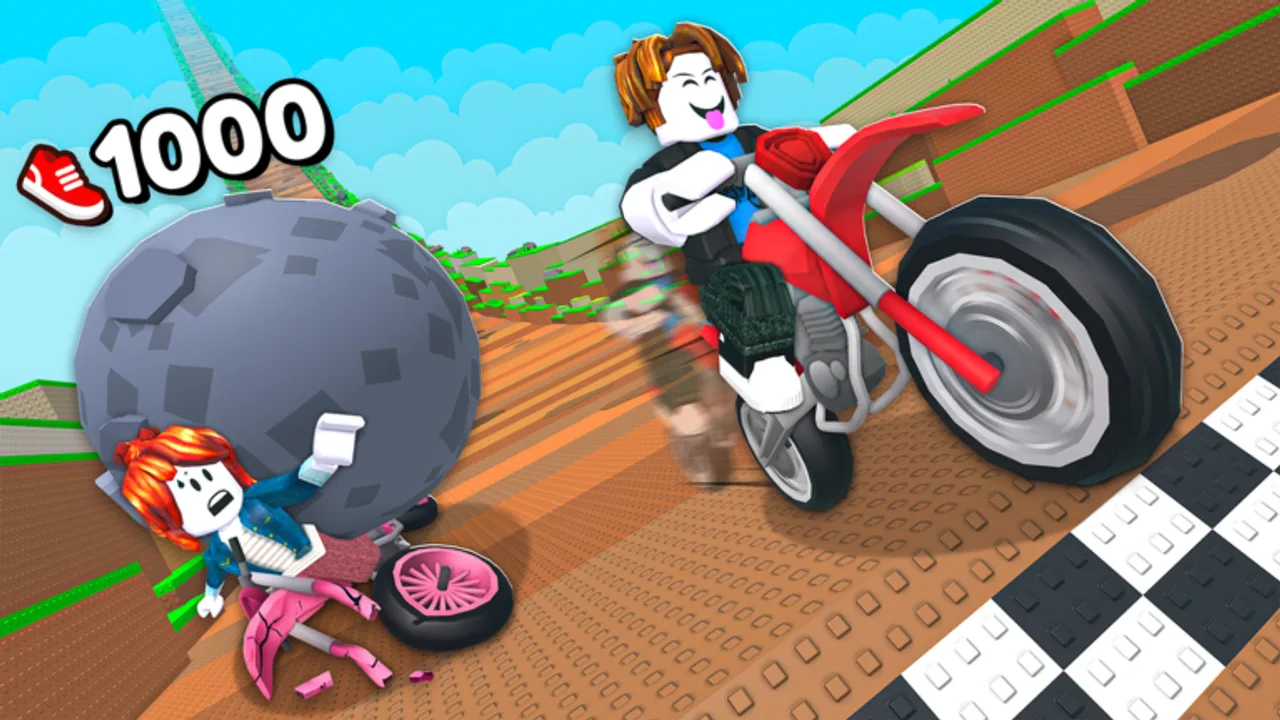
Most Roblox sessions happen on phones, and Impossible Hill Climb is no exception. TwistPlay’s free incremental hill-climb simulator asks you to steer a motorcycle under falling boulders while farming wins for faster bikes and speed-boost trails. On mobile, thumbs cover the screen, cameras sit closer, and frame drops hide rock spawns. This guide focuses on touch play so your early build still works away from a keyboard. Pair it with the general Controls page and the Early Game Build plan.
Game facts that still apply on every device: released 25 October 2026, online 16-player servers, official place Impossible Hill Climb, developer group TwistPlay. Mid-November 2026 traction sits around 2.32M visits with multi-thousand concurrent climbers—mobile lobbies are busy, so readability matters more than raw graphics.
Mobile setup before the first climb
- Launch from the official Roblox app using the real place link above (avoid clones).
- Open Settings and lower graphics until steering feels instant. Boulder timing is a gameplay stat; pretty shadows are not.
- Enable a comfortable camera mode and test whether you can see the upper slope without covering it with your right thumb.
- Mute distracting notifications for one focused farm block.
- Join the TwistPlay group and bookmark Codes for a thirty-second pre-session check.
If inputs feel floaty after a universe update (builds observed through 11 November 2026), rejoin a fresh server before blaming your thumbs.
Touch steering habits that save runs
- Small early corrections beat late swipes. High-speed bikes shrink the window; mobile latency makes late swipes worse.
- Keep the upper third of the screen clear. That is where boulder telegraphs appear. Grip the device so thumbs stay on lower controls.
- Practice one choke at a time. Five clean mid-slope passes teach more than twenty tilted summit attempts. Drill ideas live on How to Avoid Boulders.
- Reset early when a multi-rock lane is already lost. Pride recoveries cost wins-per-minute on every platform (How to Get Wins).
Tablet players usually get an easier camera; phone players should prioritize portrait vs landscape comfort. Use whichever orientation lets you see rocks earlier—even if it feels less “cinematic.”
Graphics and performance checklist
Mobile wipeouts often look like “random rocks” when they are actually frame hitches. Checklist:
- Drop quality until camera pans are smooth.
- Close background apps that steal RAM.
- Avoid overheating by taking short breaks between long farm blocks.
- If Roblox overlays or low-memory warnings appear, restart the app before a shop spend session.
Performance problems after buying a faster motorcycle are common: the bike is fine, but your eyes and device need a ten-climb calibration at the new pace (Motorcycles).
Mobile session template
- Codes + TwistPlay shout (30 seconds).
- Two warm-up climbs focused only on camera and grip.
- Primary goal from Players — for example, finish payment on the next bike or trail.
- Focused farm block (15–25 minutes).
- One shop decision max, then calibrate.
- Stop if tilt rises; mobile tilt spirals faster because restarts are one tap away.
Keep Tips & Tricks handy for quick mid-session reminders without rereading long hubs.
Spending wins on mobile
The economy does not change on touch devices. Wins still buy motorcycles and trails. The risk is impulse shopping while frustrated after a thumb miss. Rules:
- Never empty the bank after a tilt crash.
- Prefer one motorcycle step, then one boost trail (Trails & Speed Boosts, Tier List).
- Recheck Updates before large spends on patch days.
Roblox API checks during this wiki pass found no public badge list and no game-pass catalog for the universe—so do not assume paid shortcuts are required. Free progression is the intended path.
Safety on mobile
Phones are where fake “script APK” ads hit hardest. This wiki’s Scripts Hub notes that community listings mainly show a generic Infinite Yield-style command menu—not a dedicated Impossible Hill Climb auto-farm—and any executor path risks the account. Do not sideload unknown files because a YouTube short promised free wins.
Also verify you are in the real TwistPlay experience before typing any future code. Clone places trend when visit counts rise past two million.
Related pages for mobile climbers
- Controls — PC and shared input notes
- Early Game Build — first unlock order
- Beginner Mistakes — tilt and FOMO traps
- How to Redeem Codes — UI walkthrough when promos appear
- Official Links — safe Roblox and group URLs
Mobile Impossible Hill Climb rewards calm cameras and small steers. Lower graphics, protect the upper screen, farm with one written goal, and let bikes plus trails multiply good habits—not the other way around.
Frequently Asked Questions
Quick answers to the most common Impossible Hill Climb questions.
Can I play Impossible Hill Climb on mobile?
Yes. It is a free Roblox experience. Use the official place link in the Roblox app, then tune graphics and camera so boulder spawns stay visible.
Why do I crash more on phone than on PC?
Thumbs hide the upper slope and frame drops shrink reaction time. Lower graphics, change grip, and make earlier smaller steers.
What settings help most on mobile?
Stable frame rate first, camera pulled back enough to see rock spawns, and a grip that keeps the upper third of the screen clear.
Should mobile players buy different upgrades?
No. Follow the same early build: motorcycle speed step, then a boost trail. Just calibrate longer after each purchase because touch latency is higher.
Are mobile scripts safe?
No. Avoid sideloaded executors and fake APKs. Progress with guides, codes when they exist, and TwistPlay group shouts.