How to Redeem Impossible Hill Climb Codes
Find the Codes button, enter promos correctly, and fix the errors that waste free rewards.
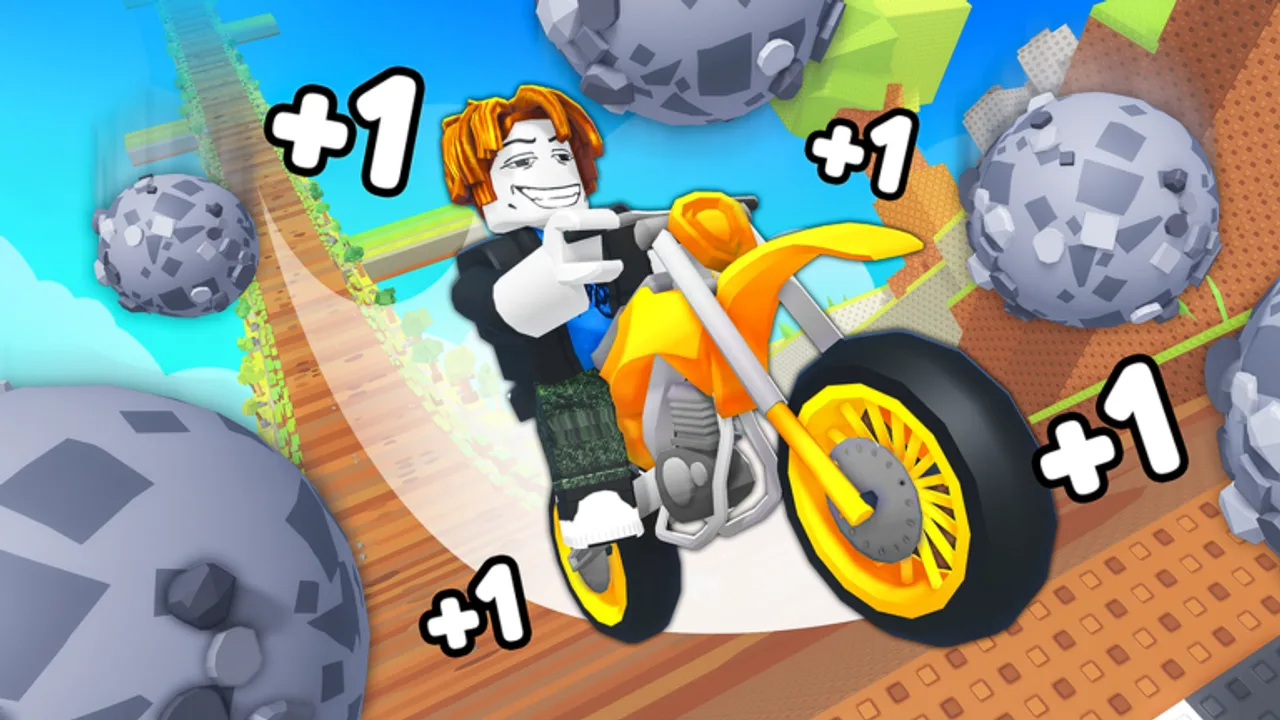
Promo codes are one of the easiest free boosts in Impossible Hill Climb, TwistPlay’s Roblox incremental hill-climb simulator. This page is the dedicated redeem walkthrough: where to look in the UI, how to type codes without typos, what invalid messages usually mean, and how to stay ready when a group shout drops a new string. Pair it with the live list on the Codes Hub — as of mid-November 2026 no promo codes are confirmed active, but the redeem habit still matters the moment TwistPlay publishes one.
Impossible Hill Climb launched on 25 October 2026. You climb on motorcycles, dodge boulders for wins, then unlock faster bikes and speed-boost trails. Codes, when they exist, usually shortcut that early economy. Live traction as of this mid-November recheck sits around 2.32M visits, ~61.3k favorites, multi-thousand concurrent players on 16-player servers, and a ~92% like ratio — so milestone or celebration codes remain plausible even while the active list is empty.
Before you redeem
- Join the real experience from the official Roblox place (universe ID 10772968523). Clone places and ad mirrors will not credit your main account.
- Load into a fresh public server. Stale private instances sometimes keep an older UI after a universe update.
- Open this wiki’s Codes Hub in another tab so you only attempt strings we have verified (or that you personally trust from a TwistPlay shout).
- Join the TwistPlay group (~60k members) so shouts reach you first — full steps on TwistPlay Group Rewards.
Step-by-step redeem flow
- Press Play and wait until the hill, bike, and main HUD finish loading.
- Look for a Codes, Redeem, Gift, or Promo button. Common placements are near the shop, settings gear, reward mailbox, or a side toolbar. Roblox incremental UIs move these controls after patches, so scan the whole HUD once after every update listed on Updates.
- Tap or click the control to open the text field.
- Enter the code exactly as published. Most Roblox codes are case-sensitive. Do not add spaces before or after the string.
- Confirm with Enter, Redeem, or the on-screen submit button.
- Watch for a success toast, inventory popup, win counter bump, or mailbox item. If nothing appears, leave and rejoin once, then check wins and inventory again.
On mobile, paste from the clipboard when possible. Soft keyboards often insert trailing spaces or autocorrect letters inside codes.
What “invalid” usually means
| Message / symptom | Likely cause | What to do |
|---|---|---|
| Invalid / wrong code | Typo, fake social post, or expired string | Re-copy from a trusted source; do not retry random Discord pastes |
| Already redeemed | This account already claimed it | Switch accounts only if you own a second profile that needs the reward |
| Expired | Code window closed | Move on — expired codes almost never reopen per account |
| Nothing happens | UI stuck or stale server | Rejoin a fresh server and retry once |
| Works for friends, not you | Region, platform, or session delay after a patch | Wait a few minutes after a universe update, then try again |
Never “fix” an invalid code by downloading a random executor. That path is covered — and discouraged — on the Scripts Hub.
Where new codes usually appear
Reliability order for Impossible Hill Climb:
- TwistPlay group shout on the community page.
- In-game banners or popups after major builds.
- Official social links posted on the group page (only follow links hosted there).
- This wiki’s Codes Hub and November 2026 Tracker after we verify a string.
Visit milestones matter. With visits already past 2.3M and favorites near 61k, celebration codes are a common pattern for Roblox simulators even when none are live today.
Free rewards while you wait
Redeem skill is useless if you stall the core loop. While the active list is empty:
- Farm clean climbs with How to Get Wins and How to Avoid Boulders.
- Spend wins on strong bikes and trails using the Motorcycle Tier List and Trails Tier List.
- Follow the Progression Roadmap so free code rewards dump into a planned unlock instead of vanity spends.
- Skim Tips & Tricks for session habits that raise wins-per-hour without risky tools.
Redeem checklist (copy this)
- Official place loaded
- Fresh server after any patch
- Code copied without spaces
- Codes UI located (not chat)
- Success checked in wins / inventory
- TwistPlay shout scanned for the next drop
Master this flow once and every future promo takes under a minute. Bookmark the Codes Hub for the live list, keep this redeem guide for the UI path, and treat TwistPlay shouts as the signal that flips an empty list into free progression.
Frequently Asked Questions
Quick answers to the most common Impossible Hill Climb questions.
Where is the Codes button in Impossible Hill Climb?
Check near the shop, settings, reward mailbox, or side toolbar. After patches the label may read Codes, Redeem, Gift, or Promo — use the dedicated field, never chat.
Are codes case-sensitive?
Usually yes on Roblox. Copy-paste exactly, avoid trailing spaces from mobile keyboards, and confirm with the in-game submit control.
Why does my code say invalid?
Common causes are typos, expiry, already redeemed on that account, or a fake string. Rejoin once if the UI looks stuck, then only retry trusted sources.
Do I need to join TwistPlay to redeem?
Redeem usually works without membership, but joining the TwistPlay group is the best way to see new codes the moment they drop.
Are there working codes right now?
As of mid-November 2026 none are confirmed active. Use the Codes Hub for the live list and this page for the redeem steps when a code appears.