Impossible Hill Climb Controls
Typical Roblox vehicle controls for PC, controller, and mobile, plus camera tips.
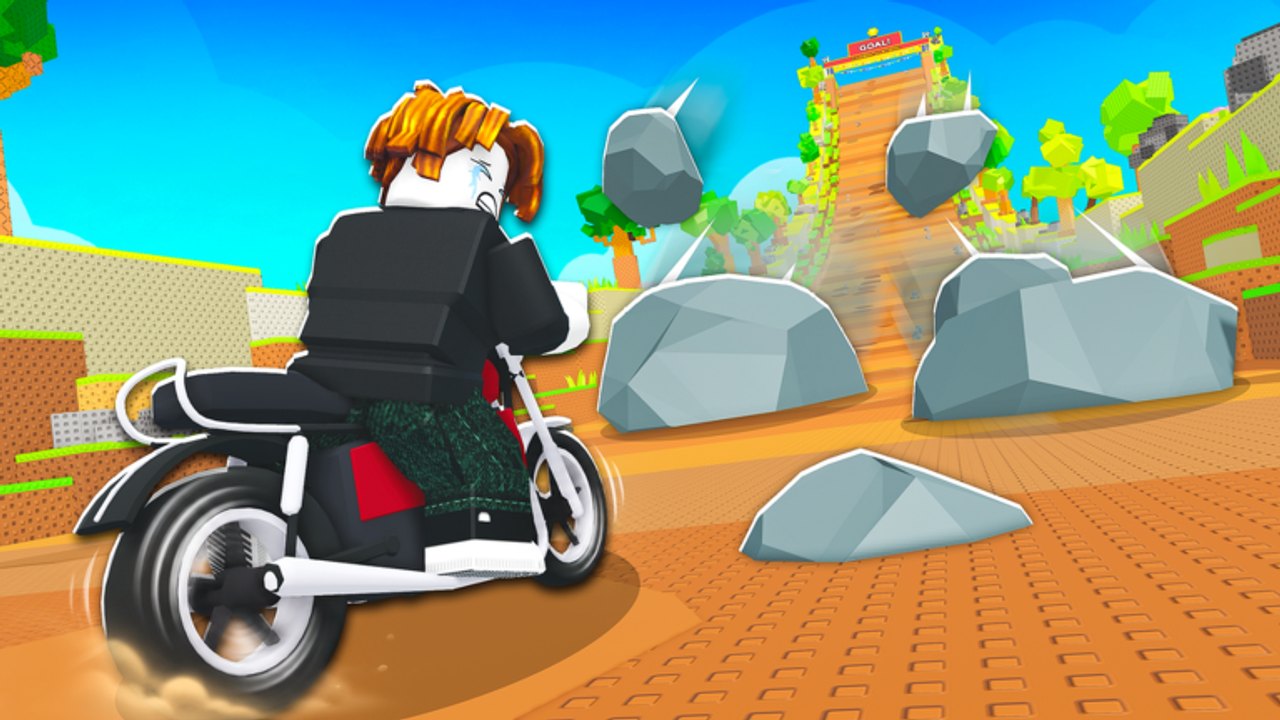
Clean inputs win more climbs than raw motorcycle stats alone. Impossible Hill Climb asks you to steer under pressure while boulders fall, so latency, camera angle, and device layout all matter. TwistPlay may not publish a full custom control bible for every platform, so this page documents typical Roblox vehicle and character controls and how to apply them on the hill. Always open the in-game Settings menu to confirm binds for your device—Roblox experiences can remap defaults.
Use this guide with Getting Started on day one and with How to Get Wins when you practice boulder lanes.
PC (keyboard and mouse)
Typical expectations:
- W / A / S / D or arrow keys to drive and steer the motorcycle.
- Mouse to aim the camera; keep the upper slope visible so rocks appear early.
- Space or experience-specific keys may cover jump or dismount if enabled—verify in Settings.
- Shift or other modifiers only apply if the experience binds them; do not assume sprint rules from other Roblox games.
Climb tips on PC:
- Make small steering corrections instead of holding hard left or right.
- Feather forward input on steep pitches so you do not loft into a boulder line.
- Re-center the camera after every big dodge so the next rock is not off-screen.
If mouse acceleration feels wild, lower sensitivity in Roblox or system settings until micro-dodges are predictable.
Controller
Typical expectations:
- Left stick steers and drives.
- Right stick controls the camera.
- Face buttons and triggers follow whatever Impossible Hill Climb assigns—open Settings after connecting a pad.
Controller tips:
- Prefer a slight camera tilt upward so boulder spawns stay in view.
- Avoid slamming the stick to maximum on every correction; analog precision beats digital panic.
- Enable vibration only if it helps you notice impacts; turn it off if it distracts during dense showers.
Wireless lag can ruin timing. Sit close to the receiver or use a wired pad when farming serious win sets.
Mobile (touch)
Typical expectations:
- On-screen thumb sticks or touch zones for drive and steer.
- Camera drag with a second finger when the UI allows.
- Auto buttons vary by Roblox experience—confirm labels in the live UI.
Mobile tips:
- Play in landscape with a stable grip so both thumbs stay precise.
- Increase touch stick size in Roblox settings if your thumbs overshoot lanes.
- Lower graphics before long sessions; thermal throttling causes late dodges.
- Consider a clip-on controller if touch farming feels inconsistent.
Camera habits that save runs
Boulder avoidance is a vision problem first. Keep these habits:
- Frame the path ahead, not only your bike model.
- After a near miss, reset the camera before accelerating again.
- On faster motorcycles and speed trails, pull the camera back slightly so reaction distance returns. Pair this with upgrades from Motorcycles and Trails & Speed Boosts.
Performance and graphics
Servers hold up to 16 players. Extra avatars, trails, and effects can drop frames. Practical checklist:
- Drop graphics quality until steering feels instant.
- Close background apps on phones and low-end PCs.
- Avoid playing through heavy network jitter—teleports mid-dodge end runs.
- After a big Updates patch, retest settings; new effects can change performance.
Smooth 30 FPS with perfect timing usually farms more wins than unstable ultra settings.
Practice routine
Spend five minutes each session on control drills before serious farming:
- Two slow climbs focusing only on lane discipline.
- Two climbs focusing only on camera prep.
- Then resume normal win farming toward your next bike or trail purchase.
Redeem active Codes after the warm-up so rewards land on a focused account session. Join the TwistPlay group for announcements that might include control or UI changes. Discovery links remain on Official Links.
What this page is not
This is not a claim that every bind above is hard-coded forever. Roblox defaults and experience Settings are the source of truth. If a tip here conflicts with your live menu, trust the menu. Community scripts that promise aimbot-like helpers are unsafe—read Scripts before experimenting with any third-party tool.
Linking controls to progression
Better inputs raise the value of every upgrade. A strong motorcycle on laggy mobile still fails; a modest bike with crisp PC control often farms better. When you buy speed from the Motorcycle Tier List or Trails Tier List, immediately re-tune camera distance. Speed without vision is just a faster crash.
Master typical Roblox vehicle controls, verify them in Settings, and keep the camera honest. That foundation turns Impossible Hill Climb into a readable pattern game instead of a chaos reel. For the full guide map, return to the Guides Hub.
Frequently Asked Questions
Quick answers to the most common Impossible Hill Climb questions.
What are the default PC controls?
Typically WASD or arrows to drive and the mouse to move the camera. Always confirm binds in the in-game Settings menu because experiences can remap keys.
How do I play on a controller?
Use the left stick to drive and the right stick for camera in most Roblox vehicle setups. Check Settings after connecting your pad for Impossible Hill Climb-specific binds.
Any mobile-specific advice?
Use landscape, enlarge touch sticks if needed, and lower graphics to protect frame rate while dodging boulders.
Why do I keep missing boulders?
Camera angle and input lag are common causes. Keep more of the upper slope on screen and drop graphics until steering feels instant. Also review How to Get Wins.
Do faster bikes change how I should steer?
Yes. Higher speed from Motorcycles or Trails & Speed Boosts shortens reaction time—pull the camera back and make smaller corrections.
Where do I verify official game links?
Use Official Links and the TwistPlay group page, and watch Updates for UI or control changes.